Give Claude Code a Blueprint Before You Start Prompting
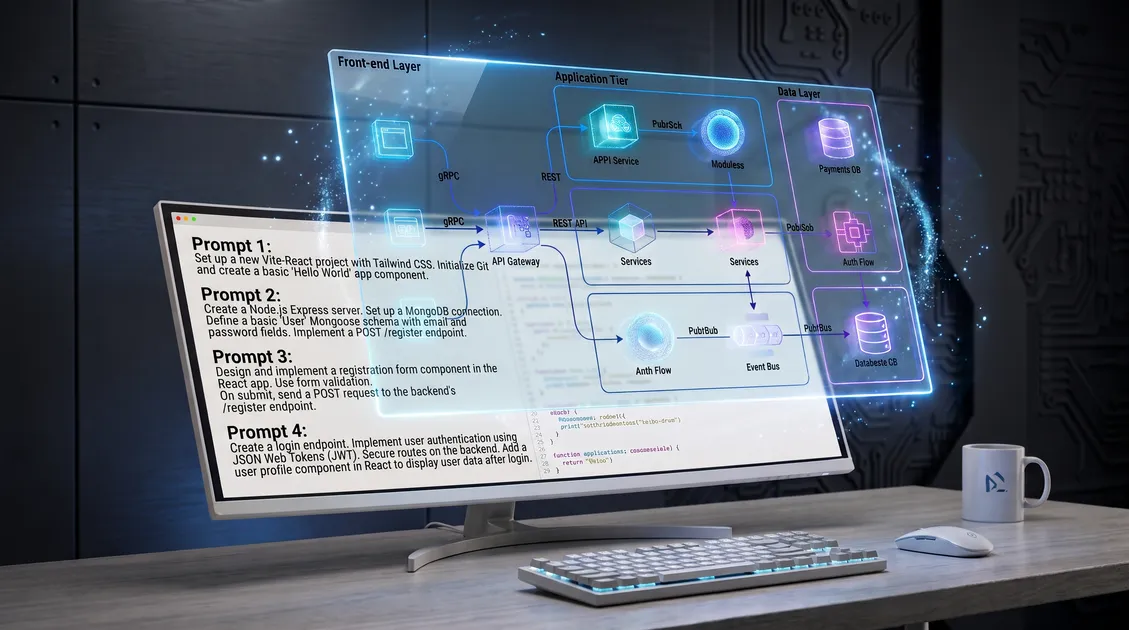
TL;DR: Claude Code works best when it has the full picture upfront. Here's how to give it one.
Claude Code is fundamentally different from chat interfaces. Because it runs directly in your terminal with full access to your filesystem, it doesn't just suggest code, it executes changes, creates files, and runs commands across your entire repository.
That power is exactly why prompting it from scratch is a trap.
When you drop a vague prompt into Claude Code, like "build a new analytics dashboard", it acts like a highly eager, unsupervised junior developer. It starts hunting through your directories, guessing how your app connects, and writing code based on isolated assumptions rather than system rules. Unfortunately, this workflow can eventually break your app. But you can prevent this, here's what you should do instead.
The Context Window and Architecture Drift
The biggest enemy of an agentic coding tool is its own context window. Claude's context fills up incredibly fast as it reads files, runs commands, and logs terminal outputs.
When you prompt from scratch, Claude has to burn a massive amount of its memory just exploring the repository to figure out what exists. By the time it actually starts writing code, it has less memory available to hold onto your core constraints.
This leads directly to what's called architecture drift. Because the agent doesn't have a clear map of how the pieces connect, it invents new patterns. It creates a new database utility when one already exists. It hallucinates an API contract that doesn't match your backend. It touches files it shouldn't, quietly breaking features that were working perfectly yesterday.
The Fix: Feed It a Blueprint
The official best practices for terminal agents emphasize planning before coding, exploring the codebase to establish a solid plan before a single line of code is written or touched. But managing that plan manually is exhausting.
To stop the credit burn and prevent drift, you must pull the planning phase out of the terminal entirely. You need a living build contract.
Before Claude Code writes anything, it needs to be handed a strict, dependency-aware blueprint. Instead of asking it to figure out how to build a feature, you should hand it explicit, bounded instructions:
- The Data Boundaries: Exactly which files it is allowed to touch.
- The Dependencies: What endpoints, schemas, or components this new feature relies on.
- The Step-by-Step Ticket: A tightly scoped task that the agent can finish without needing a course correction.
When you give Claude Code a concrete plan, you stop paying it to guess. You treat it strictly as the execution engine, not the architect.
How Zalcro Bridges the Gap
You can build these blueprints manually by maintaining a master Markdown file and carefully structuring every task so Claude doesn't wander off track. But that takes hours of manual tech-lead work before you can actually start building.
This is the gap Zalcro fills.
Zalcro sits between your idea and your terminal agent. You define the feature in Zalcro, and it acts as your AI technical partner. It maps out the dependencies, flags the risks, and generates dependency-aware agent tickets that Claude Code and Cursor can read directly via MCP.
You don't prompt from scratch anymore. You copy the structured task from Zalcro, paste it into your terminal, and watch Claude execute a safe, bounded change that connects to the rest of your app.
Build with structure, not guesses. Get the blueprint first. For the full framework behind this approach, see our guide to spec-driven development.